摘要:本文介绍如何将 InfraNodus 集成到 Dify 的 RAG 系统中。通过提取文档的核心主题、关键关系与潜在盲区,InfraNodus 能有效弥补传统 RAG 在应对宽泛提问时的上下文理解短板,帮助 LLM 生成更全面、精准的回答。
借助 InfraNodus 增强 Dify RAG:扩展 LLM 的上下文视野
检索增强生成(RAG)是一种成熟的技术,能为大语言模型(LLM)提供来自私有知识库或文档的额外上下文。然而,大多数 RAG 架构难以把握这些上下文的“全局脉络”。这种认知断层会导致回答质量下降,尤其是在用户提出宽泛问题时更为明显。
这正是 InfraNodus 的用武之地。它能对输入的 PDF、文本或其他内容进行全局梳理,精准定位核心主题、内在关联与内容盲区。随后,你可以将这些洞察数据回传至 Dify,从而让 AI 生成更具深度和广度的回答。
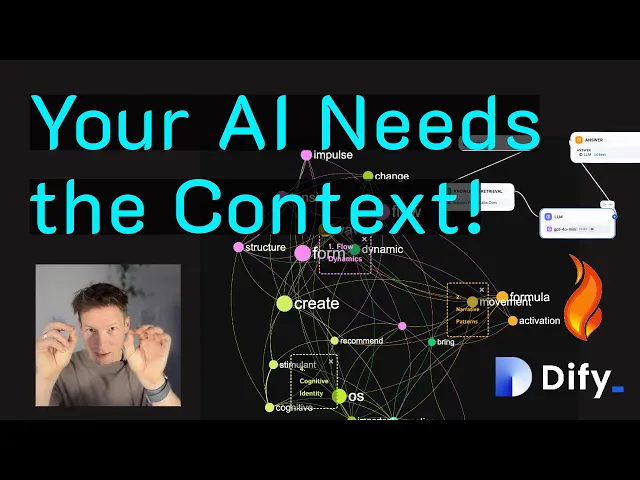
为什么要在 Dify RAG 系统中加入 InfraNodus 洞察?
标准的 Dify RAG 流程在应对精准提问时表现优异。例如,当用户询问“如何在 InfraNodus 中导入 CSV 文件?”时,系统能迅速在知识库中匹配到相关文本片段。但对于开放式问题(如“我能用它做什么?”“如何优化我的工作流程?”),RAG 检索往往会力不从心。因为这类问题很难与单一的文档片段产生强关联。
借助 InfraNodus 提取核心主题、关键关系和“内容盲区”等上下文数据,你可以让基于 Dify 构建的 RAG 应用输出既宽泛又准确的回答。InfraNodus 内置了 GraphRAG 实现,因此它能更全面地理解上下文,并精准把握其中的核心概念与关联。这些补充元数据能清晰呈现材料的整体结构,从而引导模型在应对开放式提示时,依然能覆盖关键要点。
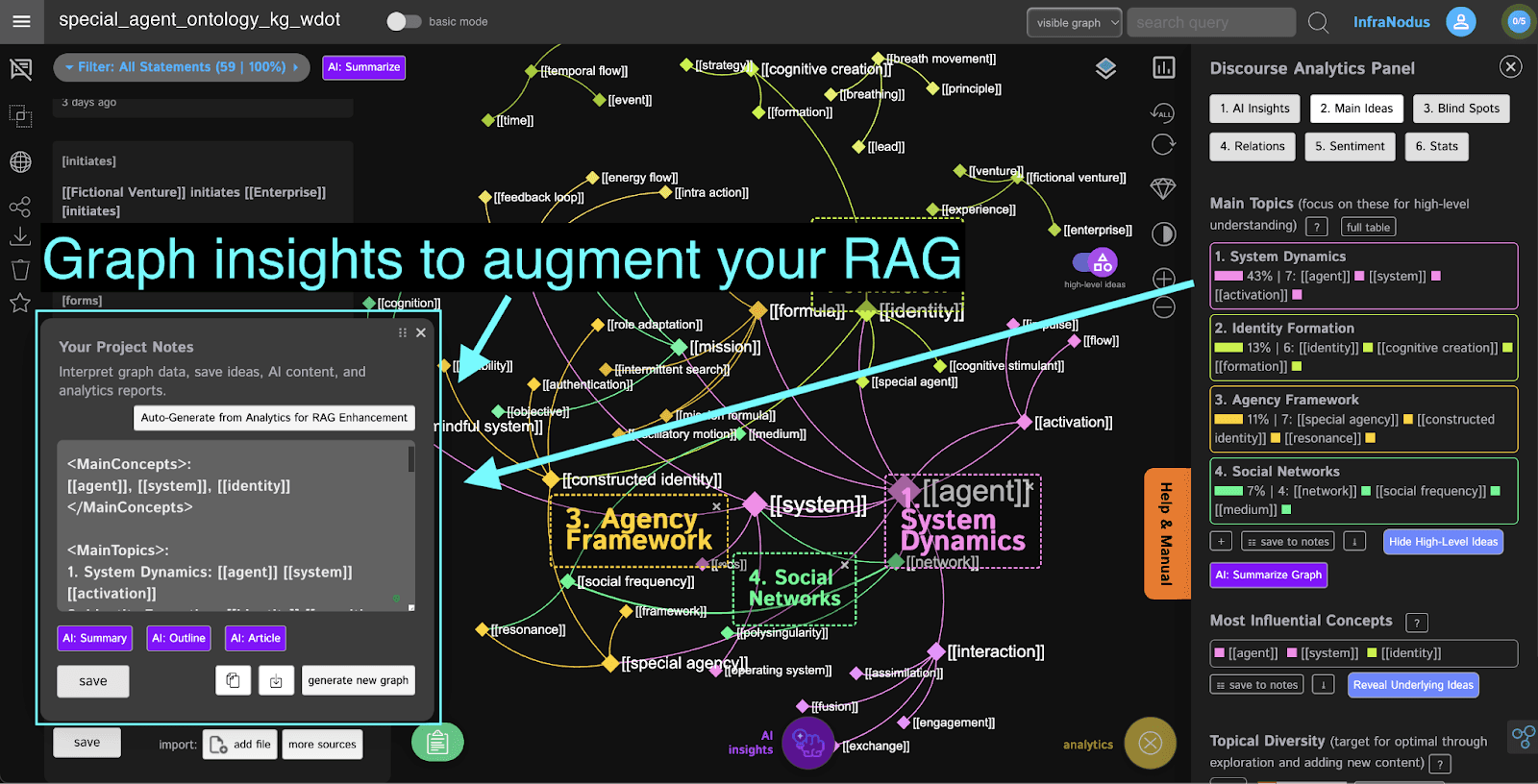
如何通过主题上下文优化检索增强生成(RAG)
典型的 RAG 流程会将用户查询编码为向量,然后在文本片段数据库中检索最相似的结果。这种方法对精准提问非常有效,但在处理模糊或宽泛的提示词时容易失效。
通过引入 InfraNodus 的 Graph AI 提示词生成器,我们可以从知识库中提取额外元数据来丰富提示词。这将显著提升 RAG 系统的检索效率。反过来,LLM 也能获得更深刻的上下文洞察,从而在交互中输出更高质量的回答,并全面覆盖重要议题。
实际案例对比
标准 RAG
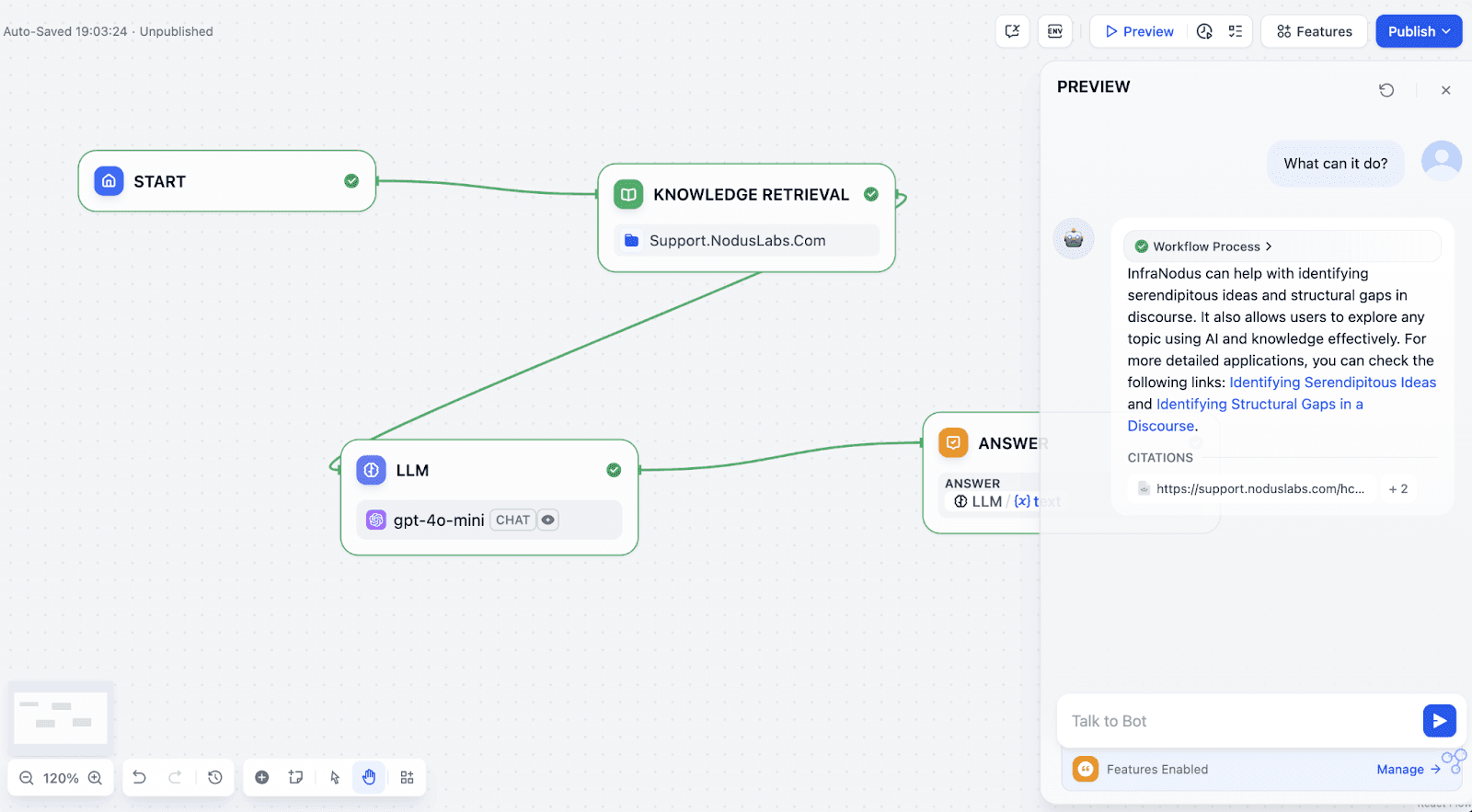
假设你的知识库专门介绍 InfraNodus。如果你直接提问“它能做什么?”,门户上的聊天机器人(可在此处在线体验)会给出一个尚可的回答。但由于缺乏 InfraNodus 的专属上下文数据,它无法全面展示该工具的所有功能,往往只能聚焦于单一维度。
经过 InfraNodus 增强的 RAG 提示词
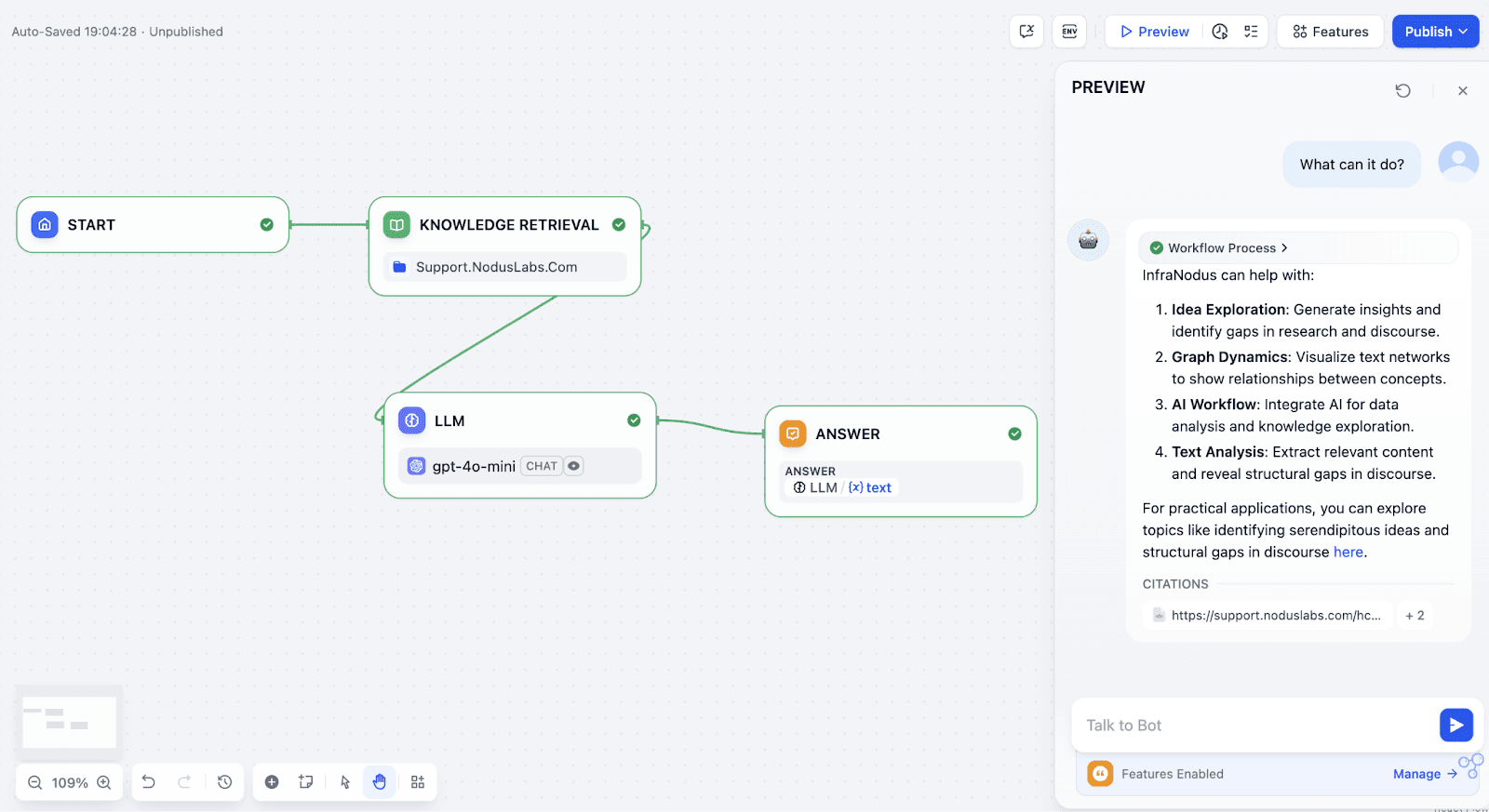
门户上的另一个聊天机器人则利用了 InfraNodus 专属的主题数据来增强 RAG。这些数据包含了通过 InfraNodus 在知识库中识别出的核心主题与概念,并直接注入到 LLM 节点的提示词中。因此,模型能更好地理解全局上下文,即使在面对宽泛查询时也能输出更优结果。点击此处在线体验,你会发现知识库带来的额外上下文洞察,能让回答变得更加结构化且精准。
逐步指南:使用 InfraNodus 提升 Dify RAG
以下是通用实施步骤,你可根据实际数据灵活调整:
1. 收集数据
准备用于构建 AI 知识库的 PDF 或 .MD 文件。
如果是网页数据,可使用 Firecrawl(提供云服务或开源版本)进行爬取。Firecrawl 与 Dify 的兼容性极佳。
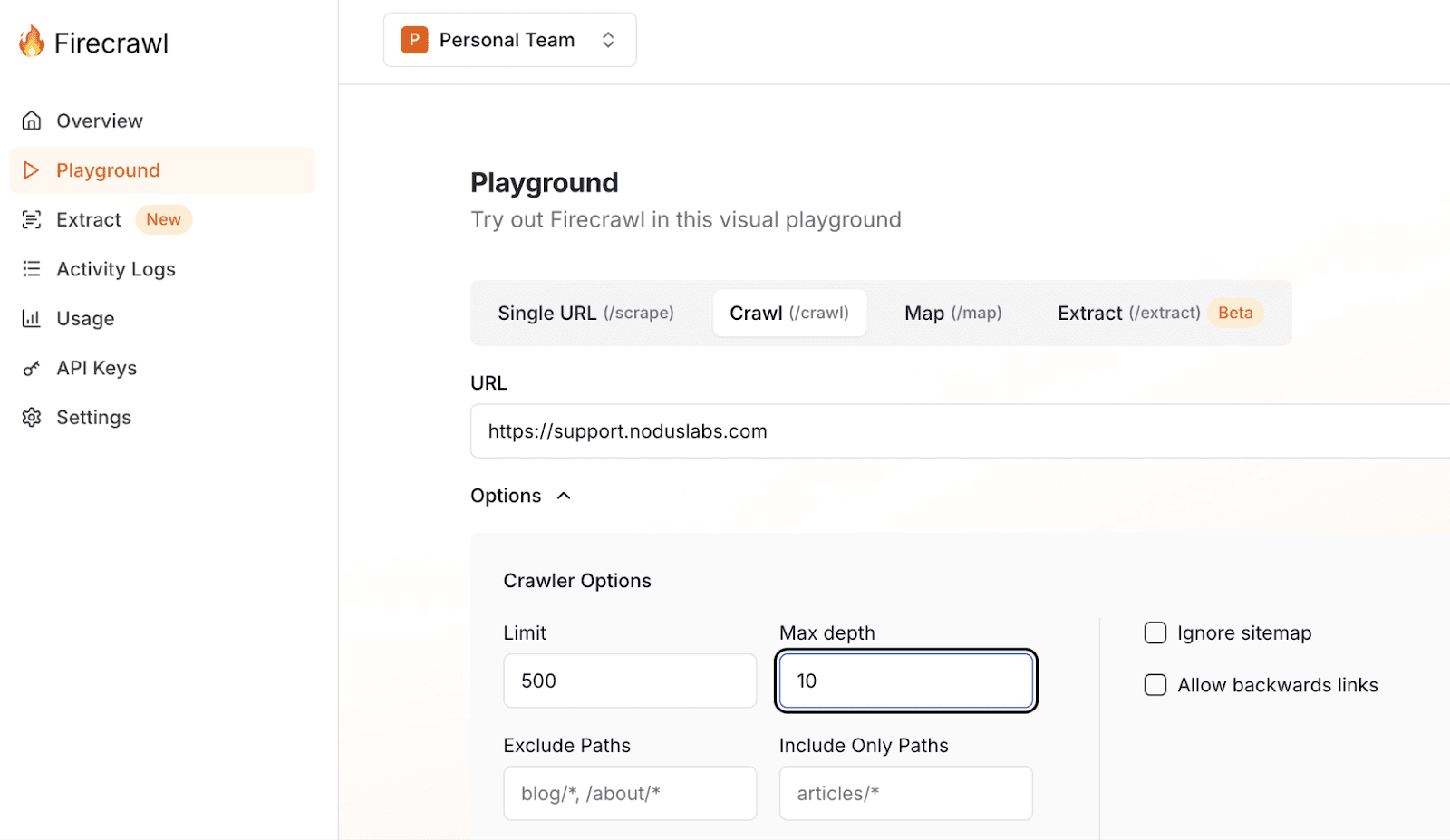
你还可以将多种数据直接导入 InfraNodus,包括网站、Google 搜索结果、RSS 订阅、YouTube 视频字幕、社交媒体内容等。处理完成后,InfraNodus 支持导出相关文本片段或分析数据。
2. 可视化与分析
将文本上传至 InfraNodus,生成文本知识图谱。
进入 Analytics(分析)面板,查看“核心观点”、“高影响力概念”、“概念关系”和“内容盲区”。你可以手动保存这些笔记,或直接通过 InfraNodus 的 Graph AI 提示词生成器自动创建。
进入 Project Notes(项目笔记),点击 Generate a RAG Prompt from Analytics 按钮,即可一键提取所需数据。该功能会从分析面板中抓取所有关键洞察,方便你直接用于增强 Dify 中的 RAG 提示词。
(可选)深度挖掘:查看“结构断层”,隐藏顶层节点以发掘潜在思路,或直接调用 InfraNodus API 自动化提取这些洞察。

3. 配置 AI 工具并导入文件
在 InfraNodus 内部,你也可以直接与内容进行对话交互。
在 Dify 中,进入 Knowledge(知识库)模块,创建新的知识库。你可以直接上传文件,或通过 Firecrawl API 接入网页数据。

4. 增强提示词
接下来,将 InfraNodus 生成的数据整合到模型的提示词中。在应用配置界面找到提示词区域,添加自定义指令,使其包裹在用户查询的外部。

以下是一个可在 Dify 中使用的 System Prompt(系统提示词)示例。只需将 <tags> 内的内容替换为你在 InfraNodus 中生成的数据(如核心主题、关键关系和概念入口)。这将确保 AI 能够访问更广阔、关联性更强的知识库视图:
You are an expert in InfraNodus, and your task is to provide an answer to the user question based on the context you are provided about using InfraNodus and its tool.

## IMPORTANT INSTRUCTIONS, FOLLOW WHEN ANSWERING:
When you provide a response, use the following meta information about the underlying knowledge base to have a high-level overview of the content and to provide higher quality responses that integrate this content, in cases when relevant to the query (or when the query is too general to find results):

- the main topics in the context (listed inside the <MainTopics> </MainTopics> XML tag) — you should focus on them especially
- relations between the concepts (listed inside <Relations> </Relations> and <MainConcepts> </MainConcepts> XML tag) — these are the most important ideas and relations in the context
- latent topics inside (listed inside <LatentTopics> </LatentTopics> — these are non-obvious topics that you can take into account
- conceptual entry points (listed inside <ConceptualGateways> </ConceptualGateways> XML tag) — use them to connect topics or to connect the knowledge to the outside world

<MainTopics>
1. Graph Dynamics: graph topic node word click setting show knowledge
2. AI Workflow: infranodus text network ai data analysis workflow base
3. Idea Exploration: idea generate gap research insight discourse develop interesting
4. Search Context: search context related google keyword result import market
5. Node Relations: occur sharing information retrieve
6. Text Analysis: main content relevant extract reveal create skip
</MainTopics>

<Relations>
structural gap
network analysis
topical cluster
</Relations>

<LatentTopics>
1. Conceptual Navigation: top concept cluster click menu setting statement analytics
2. Data Integration: search data research keyword import step google result
3. Insight Discovery: generate gap insight interesting find identify question specific
4. Network Strategy: network analysis use gpt base tool knowledge visualization
5. Analytical Display: discourse context
</LatentTopics>